
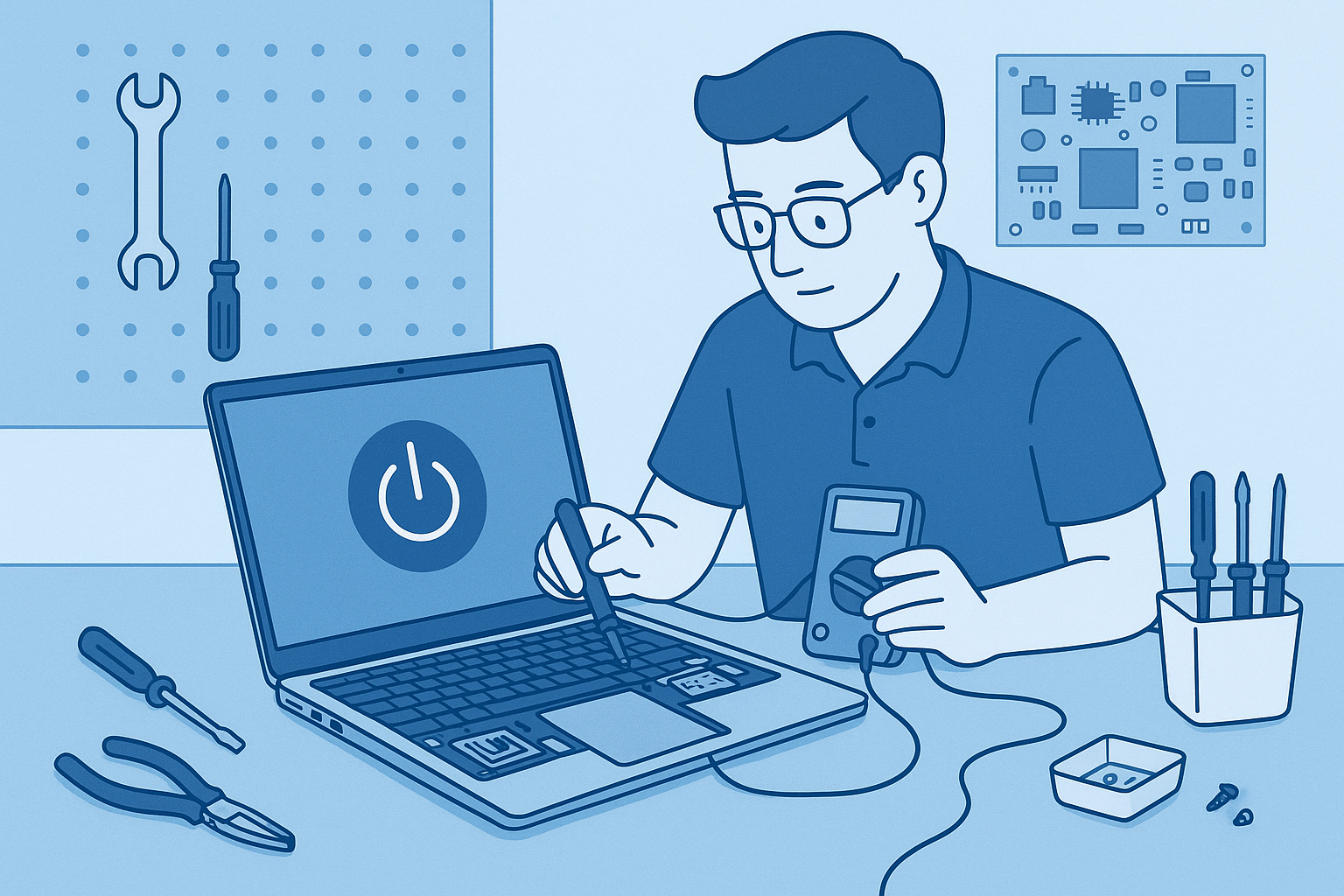
The problem
The laptop won't turn on at all after a Windows update the night before.
Diagnosis
Upon initial inspection, the Dell XPS laptop was found completely unresponsive. The issue was likely related to a failed Windows update, which can sometimes prevent devices from booting properly.
What we did
The repair process included performing a hard reset by removing the battery and holding the power button for 15 seconds. After reassembling, I attempted to boot the laptop. When it still did not power on, I used a recovery USB to access the recovery environment and initiated a system restore to revert the system back to its previous state prior to the update. This successfully restored functionality.
Result
The Dell XPS laptop powered on successfully after the system restore, and the customer was able to use it without any further issues. The repair was completed with a 'no fix, no fee' policy, ensuring customer satisfaction.